Help

Search is available on the built site.

fieldnode.comContact support
MenuHome
User Guide
  • 1. Navigate the DI
  • 2. Create a Part
  • 3. Execute RFQ
  • 4. Respond to RFQ
    • 4.1 Manage Incoming RFQs
    • 4.2 Access Part Data and 3D Model
    • 4.3 Initiate a Quote
    • 4.4 Respond to Scope of Work (SOW) & Inspection and Test Plan (ITP)
    • 4.5 Save vs. Send Quote
  • 5. Execute order
  • 6. Admin
Frequently Asked Questions (FAQ)
  • General Questions
  • Q&A for Manufacturers
  • Q&A for OEMs
  • Q&A for Admins
Release Notes
Newsletters
User Guide

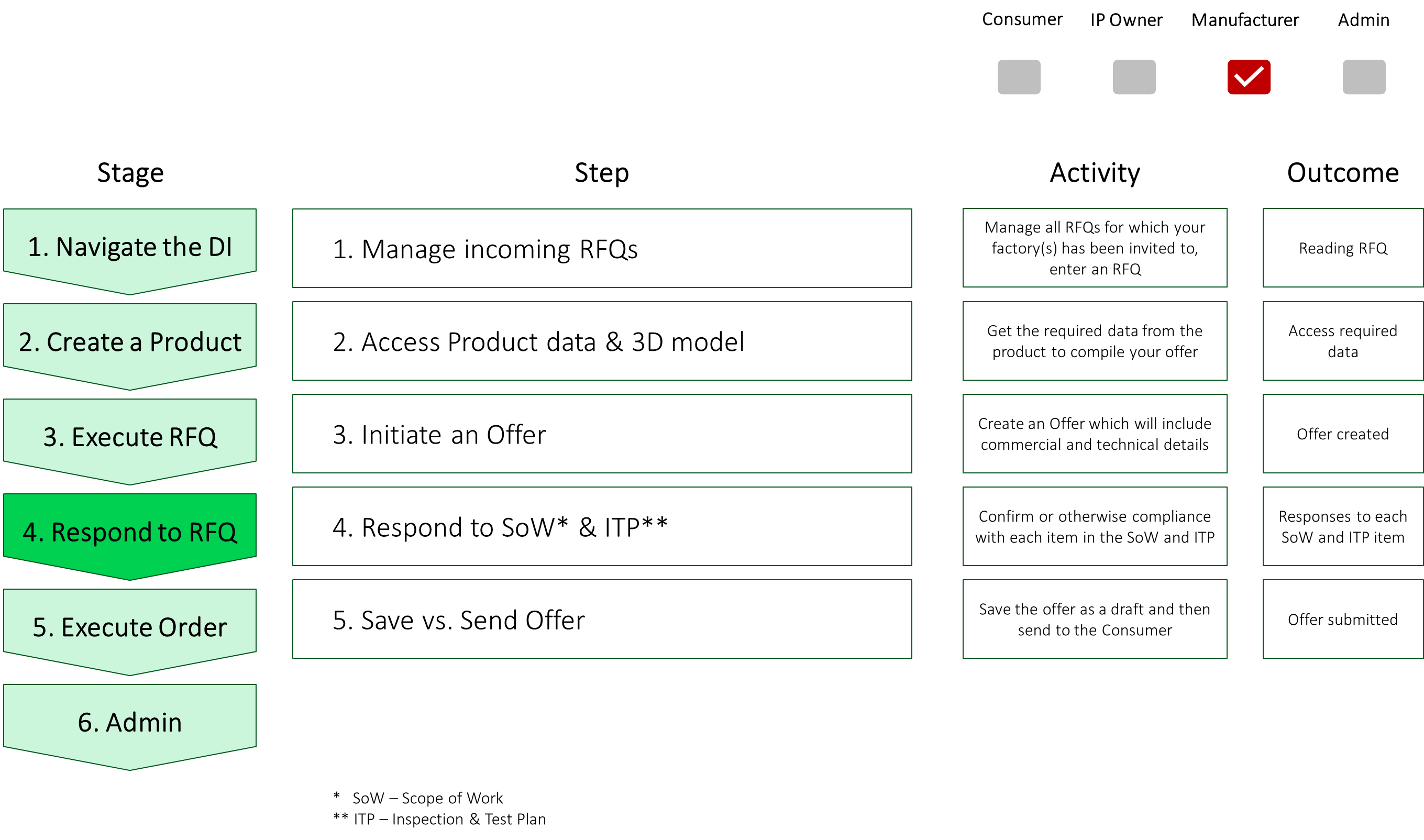
4. Respond to RFQ

4. Respond to RFQ screenshot 1

  • 4.1 Manage Incoming RFQs
  • 4.2 Access Part Data and 3D Model
  • 4.3 Initiate a Quote
  • 4.4 Respond to Scope of Work (SOW) & Inspection and Test Plan (ITP)
  • 4.5 Save vs. Send Quote
← 3.6 Compare and Select Quotes4.1 Manage Incoming RFQs →
© 2026 Fieldnode AS
Contact supportSecurityPrivacyfieldnode.com